
The links across the top of the site, and the lists in the footer, are managed under Appearance > Menus.
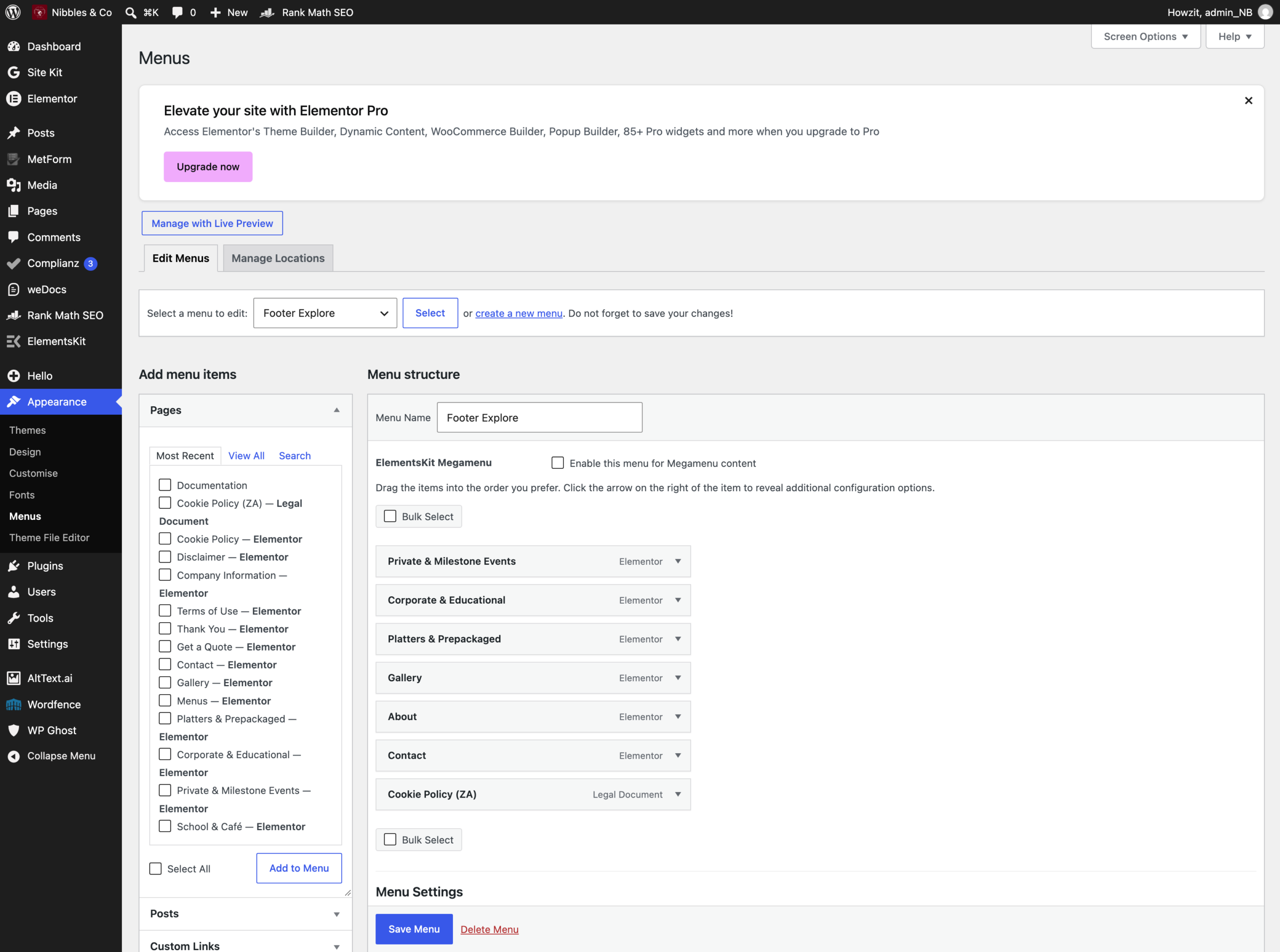
There are three menus. Pick the one you want from the dropdown at the top:
- Primary Menu — the main navigation in the header.
- Footer Explore — the first list of links in the footer.
- Legal — the privacy, terms and cookie links.
Adding a link
- Choose the menu, then click Select.
- On the left, tick the page you want under Pages and click Add to Menu.
- Drag the new item up or down to position it. Dragging it slightly to the right makes it a sub-item of the one above.
- Click Save Menu.
Removing or renaming
Click the small arrow on the right of a menu item to open it. Navigation Label is the wording shown to visitors — changing it does not rename the page itself. Remove takes the link out of the menu; it does not delete the page.
The header and footer themselves
The design of the header and footer — the logo, the phone number, the social icons, the layout — is built in ElementsKit templates, not in this screen. Those are Nibbles Header and Nibbles Footer under ElementsKit. Editing them affects every page at once, so leave them to Kemoso.